 Dinky
Dinky
Dinky vs Preview
Preview exports a leaner PDF now and then. Dinky batches, watches folders, and adds scan OCR when Preview runs out of road—plus images and video.
Choose Preview for quick one-off exports
When you already have the PDF open, need a smaller copy once, and the built-in export dialog is enough.
Choose Dinky for batch PDF and mixed media
When you drop folders of PDFs, want watch folders, OCR-aware scans, or the same session to include MP4 and still images.
| Dinky | Preview | |
|---|---|---|
| Role | Dedicated shrink + images + video | Viewer with export filters |
| Batch / watch | Yes | No dedicated batch compression UI |
| PDF modes | Flatten, preserve (qpdf path), target size, optional OCR | Export / Quartz filter workflows |
| Still images / video | Yes | Preview views images; not Dinky’s comparison focus for video |
| Price | Free (MIT) | Built into macOS |
| Processing | Local on your Mac | Local on your Mac |
Batch, not one export
Queues, previews, and targets
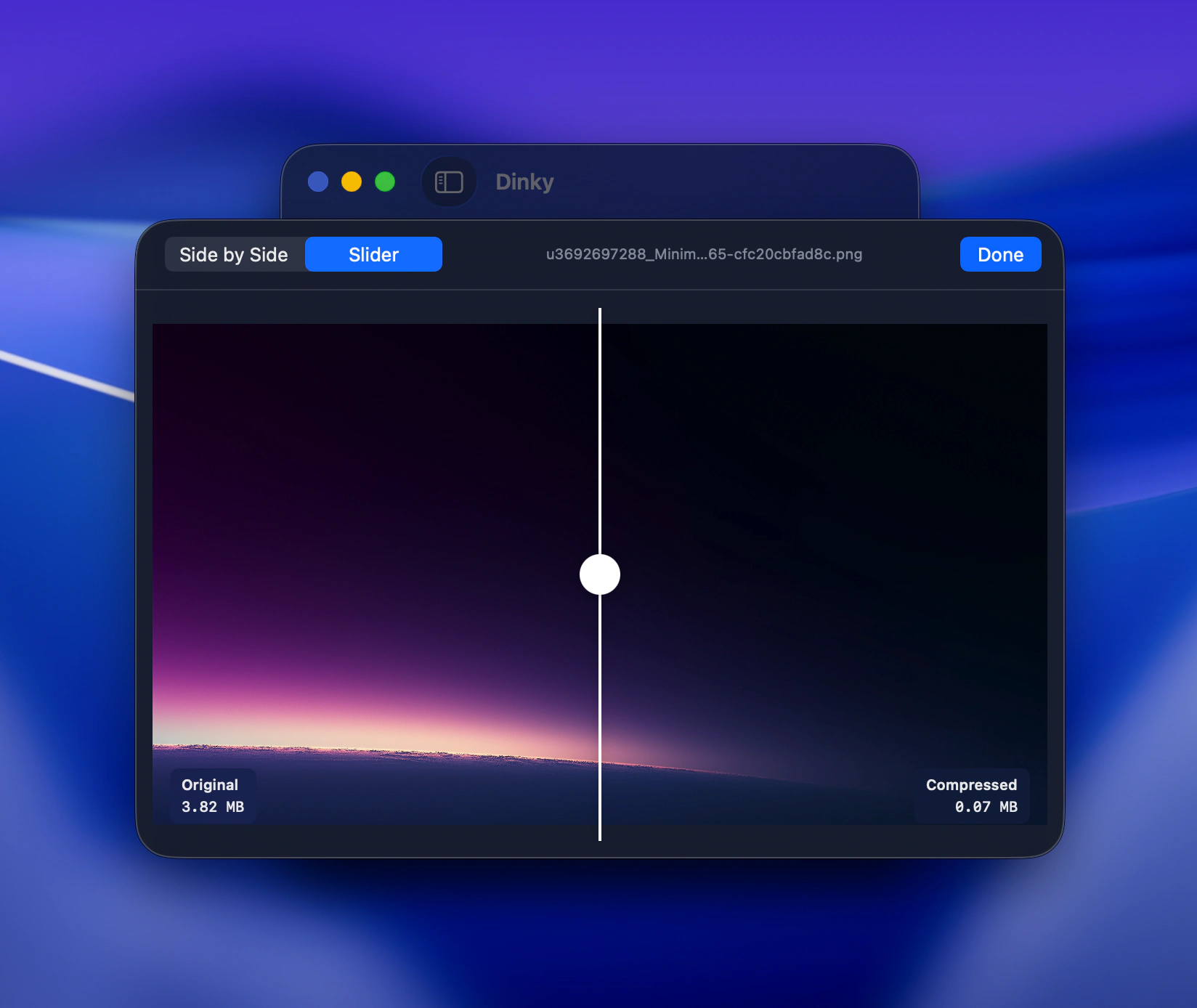
Line up folders of PDFs, compare before and after, step toward a target file size, and add optional OCR on scans—alongside stills and MP4.
33 MB · v2.7.12 · Requires macOS 15 Sequoia