 Dinky
Dinky
Dinky vs Optimage
Both keep files on your Mac. Optimage is paid with a heavier install; Dinky is MIT-licensed, free, and stays tiny.
Choose Optimage if it already matches your workflow
When your team is bought into Optimage’s tooling, licensing, and feature mix and you do not need a change, staying put is reasonable.
Choose Dinky if you want free, open source, and tiny
When you want inspectable code, zero purchase, codec conversion, video and PDF in one drop zone, watch folders, and to keep install weight down.
| Dinky | Optimage | |
|---|---|---|
| Price | Free (MIT) | Paid (see vendor site) |
| Source | Open source on GitHub | Proprietary |
| Installed size (approx.) | ~33 MB | Larger (e.g. ~62 MB class; verify current release) |
| Still images | WebP, AVIF, HEIC, lossless PNG | Strong still-image workflow (see Optimage) |
| Video | MP4 export with presets | Yes (similar overall scope) |
| Flatten, preserve, optional OCR | Yes (similar overall scope) | |
| Processing | Local on your Mac | Local on your Mac |
No paid gate
Presets you can audit
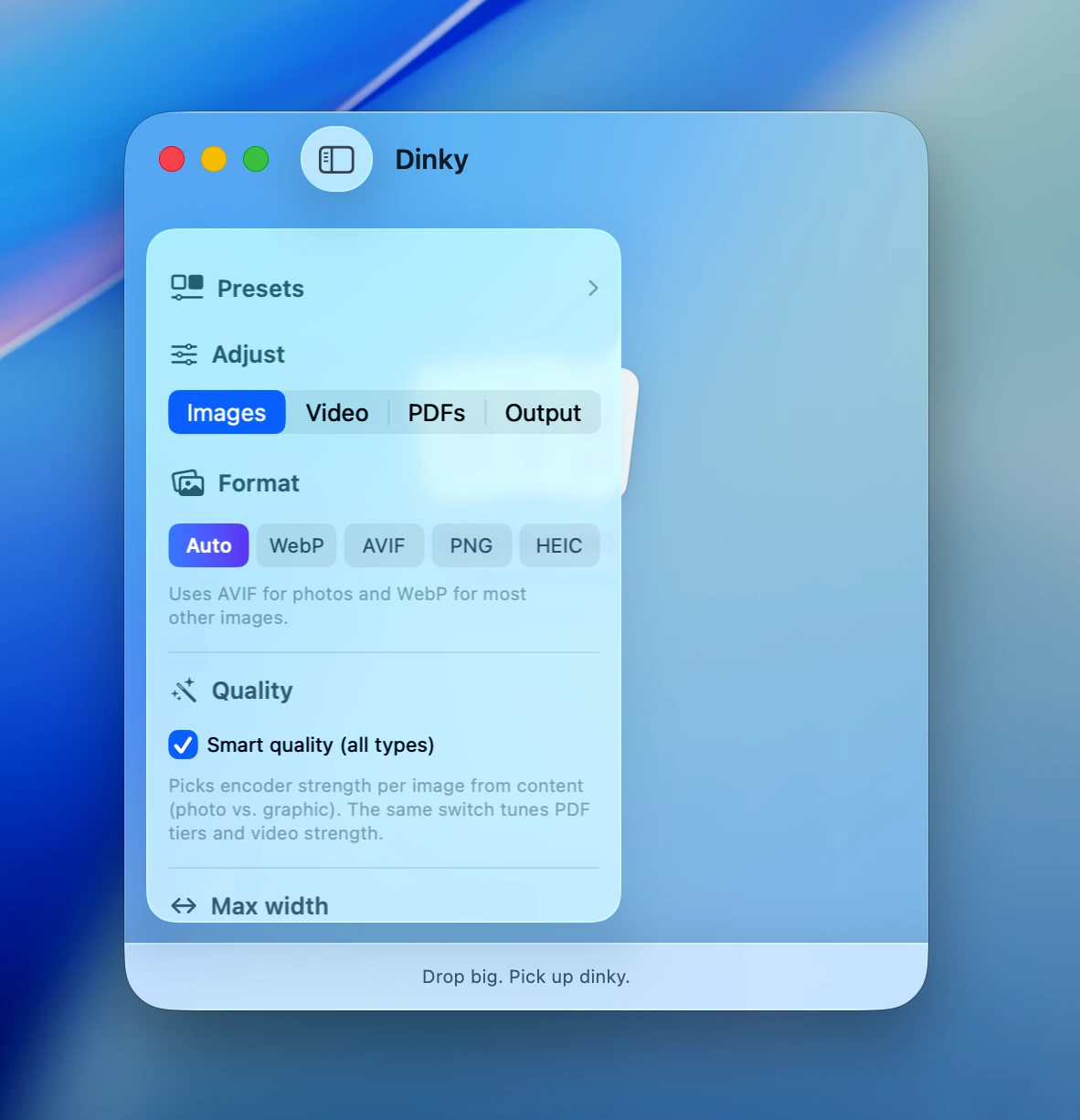
Similar still-image workflows, plus PDFs and video, in a free open-source build next to paid optimizers.
33 MB · v2.7.12 · Requires macOS 15 Sequoia