 Dinky
Dinky
Dinky vs HandBrake
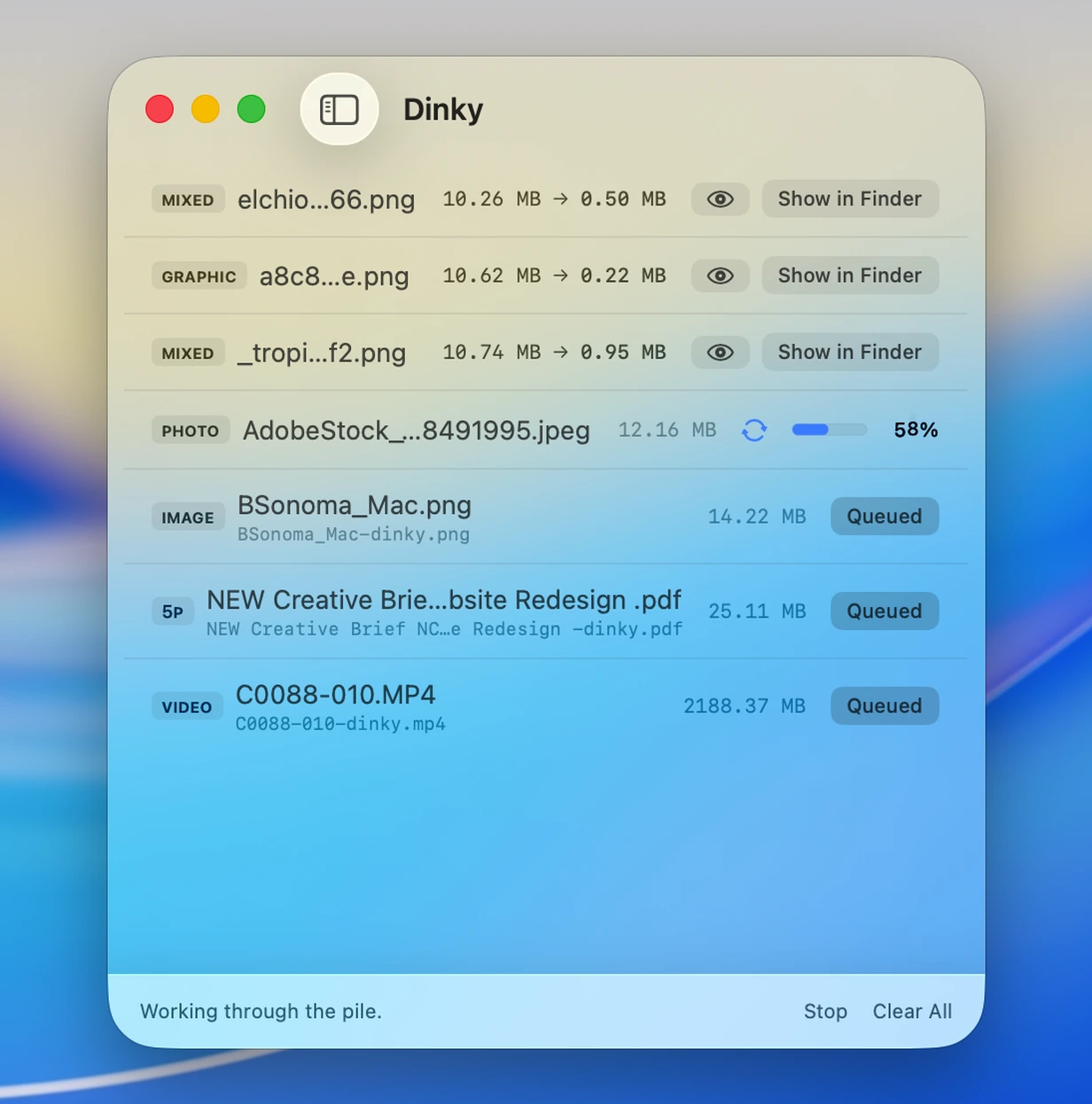
HandBrake is for when you need every encoder knob. Dinky is for “just shrink this MP4”—and stills or PDFs in the same app when you want one pile of files handled.
Choose HandBrake for full video production control
When you need track-level authoring, fine-tuned encode settings, and a queue built for long-form transcoding—not a quick shrink of a screen recording.
Choose Dinky for fast smaller MP4s and mixed media
When HandBrake would be overkill: drag in MP4/MOV, pick H.264 or HEVC presets, and keep stills and PDFs in the same tool.
| Dinky | HandBrake | |
|---|---|---|
| Primary focus | Quick smaller MP4 + images + PDFs in one app | Video transcoding with broad encoder control |
| Settings depth | Presets (H.264 / HEVC, quality tiers) | Extensive options (tracks, filters, advanced encoding) |
| Still images | Yes (WebP, AVIF, HEIC, PNG, …) | No |
| Yes | No | |
| Batch on macOS | Native batch, watch folders, Quick Actions | Queue-based batch encoding |
| Processing | Local on your Mac | Local on your Mac |
| Price | Free (MIT) | Free (GPL-licensed app) |
Speed over every knob
Quick MP4 presets + stills and PDF
Stay in HandBrake for fine-grained encodes—open Dinky when you want simple H.264/HEVC paths, the rest of your image polish, and PDFs in the same session.
33 MB · v2.7.12 · Requires macOS 15 Sequoia