 Dinky
Dinky
Dinky vs ImageOptim
ImageOptim tightens JPEG and PNG in place. Dinky converts out to WebP, AVIF, HEIC, or lossless PNG—often bigger wins, same local-only vibe.
Choose ImageOptim if you must keep .jpg or .png
When the deliverable has to stay JPEG or PNG and you only need lossless squeezing inside that format, ImageOptim is the right shape of tool.
Choose Dinky if you want modern codecs in one app
When you are fine with WebP, AVIF, HEIC, or lossless PNG—and you want video and PDF compression, batching, and watch folders in the same window—Dinky fits.
| Dinky | ImageOptim | |
|---|---|---|
| Price | Free (open source, MIT) | Free |
| Still images | Converts to WebP, AVIF, HEIC, lossless PNG | Same-format lossless optimization (e.g. JPEG stays JPEG) |
| Video | Yes (MP4 export, presets) | No |
| Yes (flatten, preserve, optional OCR) | No | |
| Processing | 100% on your Mac | On your Mac |
| Batch & automation | Batch, watch folders, Finder Quick Actions, Shortcuts | Batch via drag-and-drop and workflow integration |
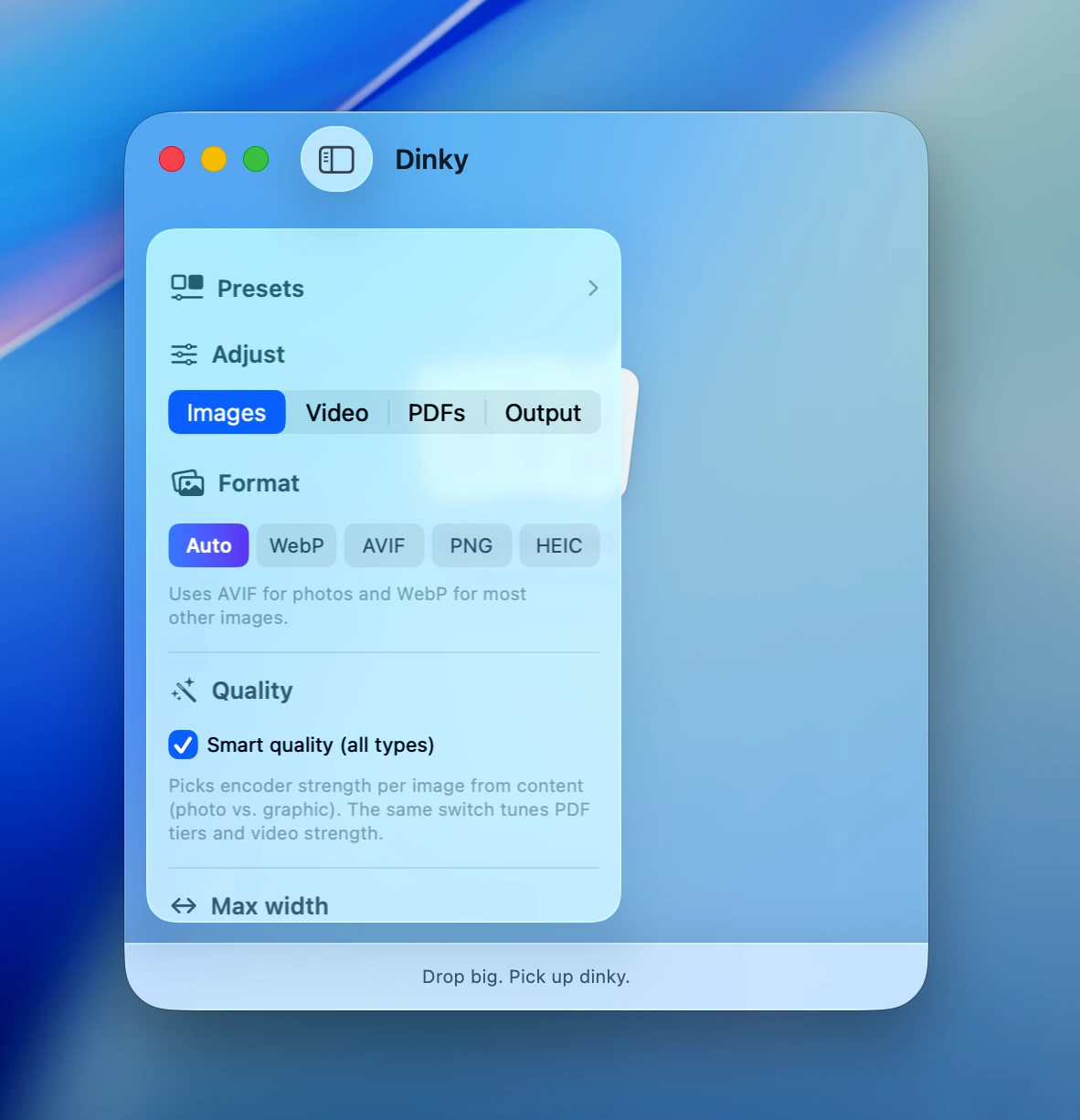
Beyond lossless-only
Modern still formats, video, and PDF
WebP, AVIF, HEIC, and lossless PNG presets sit next to MP4 exports and flatten or preserve PDF paths—in one lightweight window.
33 MB · v2.7.12 · Requires macOS 15 Sequoia