 Dinky
Dinky
Dinky vs Compressor
Compressor is Final Cut’s serious encoder. Dinky is the small free window for a quick MP4—and stills or PDFs in the same session.
Choose Compressor for Final Cut and pro pipelines
When you are already in Apple’s pro video stack, need custom destinations, or encode for delivery specs Dinky does not try to match.
Choose Dinky for quick shrink and mixed media
When Compressor is overkill: simple H.264/HEVC presets, batch from Finder, watch folders, and one app for video, stills, and PDFs.
| Dinky | Compressor | |
|---|---|---|
| Audience | Everyday compression + images + PDFs | Pro video encoding (Apple ecosystem) |
| Still images / PDF | Yes, same app | Video-focused |
| Workflow | Drag-and-drop presets, watch folders | Jobs, batches, FCP integration |
| Install size (class) | ~33 MB | Large pro app (verify current release) |
| Price | Free (MIT) | Paid (Apple) |
| Processing | Local on your Mac | Local on your Mac |
Not every job is Broadcast
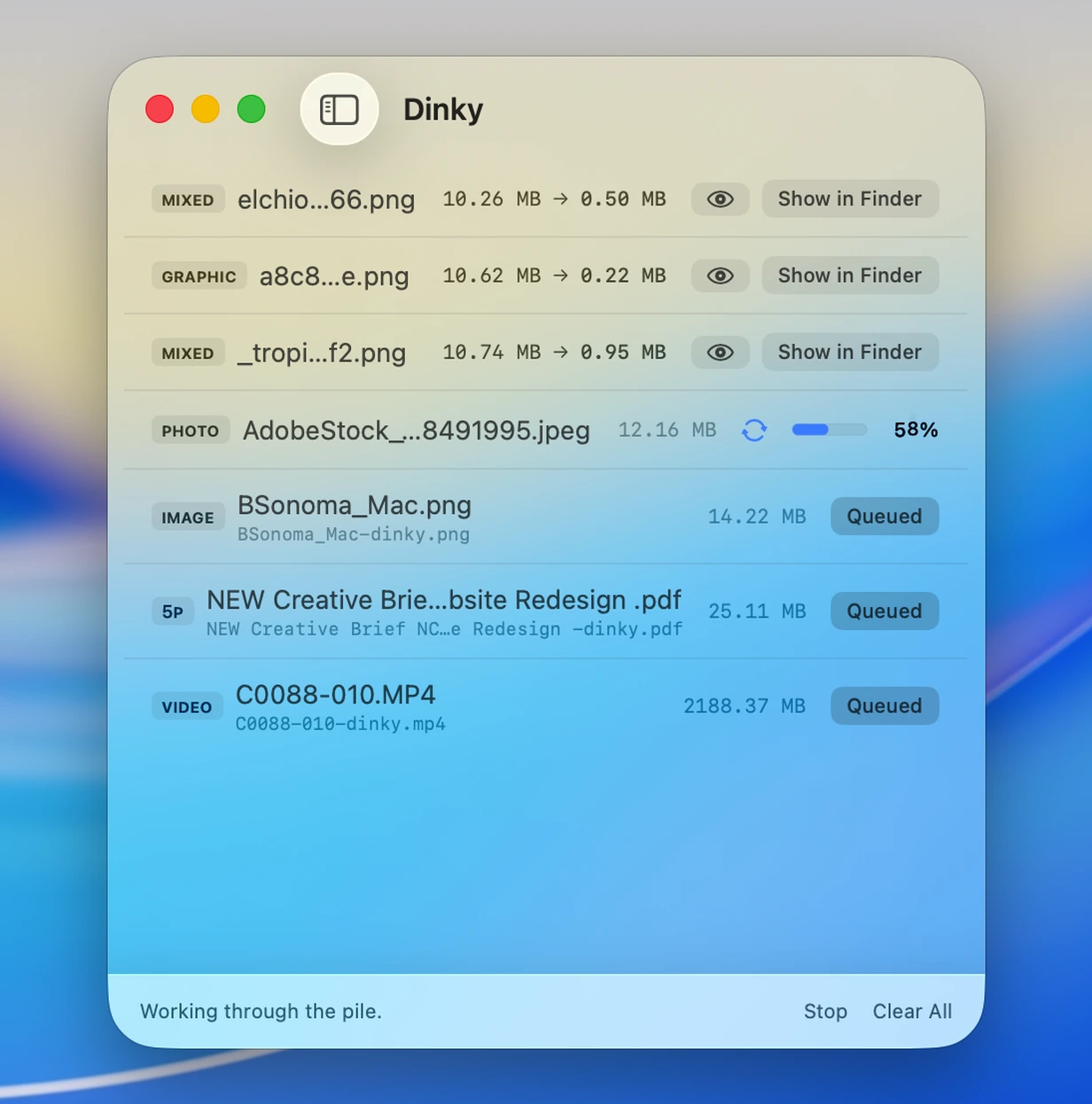
Small window, real queues
Compressor stays on the machine for heavy pipelines; Dinky is the light drop zone for quick MP4 passes, Finder batches, and the rest of the export stack.
33 MB · v2.7.12 · Requires macOS 15 Sequoia