 Binky
Binky
Binky vs Refolder
Refolder lives on Setapp and leans on AI for naming and sorting. Binky doesn’t guess: your rules, stable-file patience, predictable sorted destinations, and a Review pile when the type still isn’t clear.
Choose Refolder for AI-driven naming and sorting
When you already live in Setapp, want intelligent cleanup, and batch renaming with Apple Intelligence–style help sounds right.
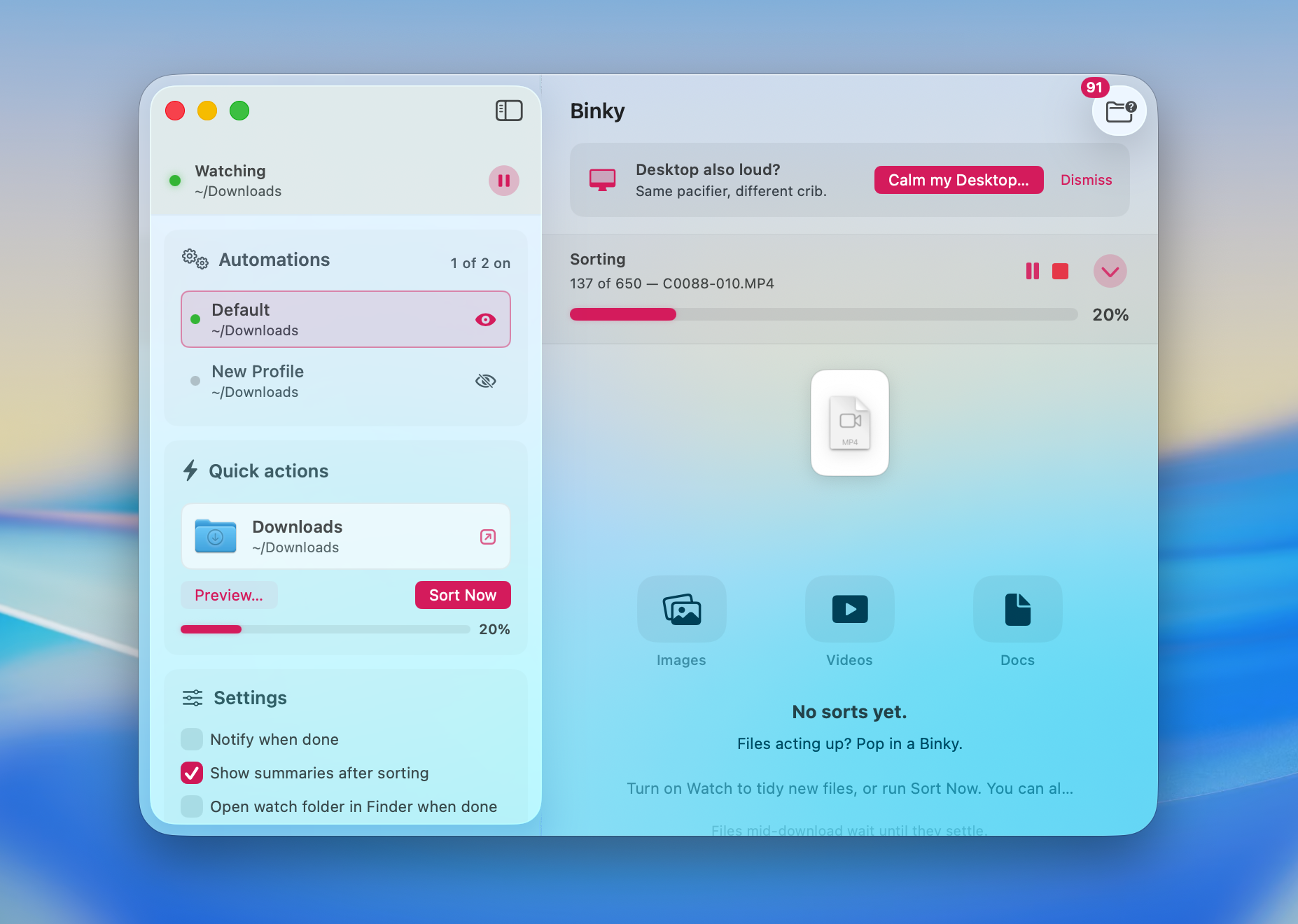
Choose Binky for Routines, no subscription
When you want named Routines per folder, predictable sorted destinations, open source, stable-file detection, and no monthly receipt.
| Binky | Refolder | |
|---|---|---|
| Price model | Free (MIT) | Via Setapp (~$9.99/mo) |
| Named routines | Yes — parallel per-source workflows | — |
| AI sorting | Rules + NL description → rule (no cloud call) | Yes — AI-assisted organization |
| Sort preview | Yes — dry-run before anything moves | — |
| Watch folder | Yes | Yes (Downloads-focused) |
| Stable-file gate | Built in | — |
| Review folder | Yes | — |
| macOS requirement | 14+ (26 for Liquid Glass) | macOS 15+ (Sequoia) |
| App size | 13 MB | ~22 MB |
| Open source | Yes | No |
AI isn’t wrong
Neither is boring old destination lists
Refolder guesses smarter names. Binky runs Routines per folder — routes by type, origin, and custom rules, parks oddities in Review. Different vibes, same messy Downloads.
13 MB · v1.6.0 · Requires macOS 14 Sonoma or later