 Binky
Binky
Compare Binky
The quiet one is Binky.
Hazel writes rules. Refolder asks AI. Dropzone wants a drag. Binky just watches, sorts, and parks the mess — no subscription, no setup tax.
Rough tradeoffs — features move. Check each vendor.
Binky |
Hazel
|
|
|---|---|---|
Price
|
Free | |
Watch folder
|
||
Review folder
|
||
Stable-file gate
|
||
Optional Finder tags
|
||
Undo moves
|
Where macOS agrees | |
Custom rules
|
||
Sort preview
|
||
Open source
|
MIT | |
App size
|
13 MB |
The macOS routine classic: rules across every folder, deep conditions, integrations. Great when you enjoy building and maintaining the machine.
Full comparison → Binky vs Neatify NeatifyMenu bar organizer with projects and custom rules. Paid Mac App Store app when you want polish over tinkering.
Full comparison → Binky vs Folder Actions Folder ActionsAppleScript hooks on any folder. Free forever. Costs you a Saturday if you’re rusty.
Full comparison → Binky vs Refolder RefolderSetapp’s AI sorter for Downloads and batch rename. Subscription territory with a different vibe.
Full comparison → Binky vs Dropzone Dropzone 4Drag-to-route shelf and actions. Great when you’re already holding the file.
Full comparison → Binky vs Unclutter UnclutterDesktop drawer for notes, clipboard, and a files shelf. Different metaphor; no automatic watcher.
Full comparison → Binky vs CleanMyMac CleanMyMacMac cleaning suite from MacPaw — scans, uninstalls, maintenance. Not a dedicated sorter for live arrivals.
Full comparison → Binky vs Finder By handDrag, drop, repeat. Works until the folder starts yelling again.
Full comparison →How Binky stacks up
Each page is Binky vs one other approach — automation apps, drag helpers, cleaners, built-in scripting, or doing it by hand.
Utilities
Built-in
Open source · Local
Quiets the mess right down.
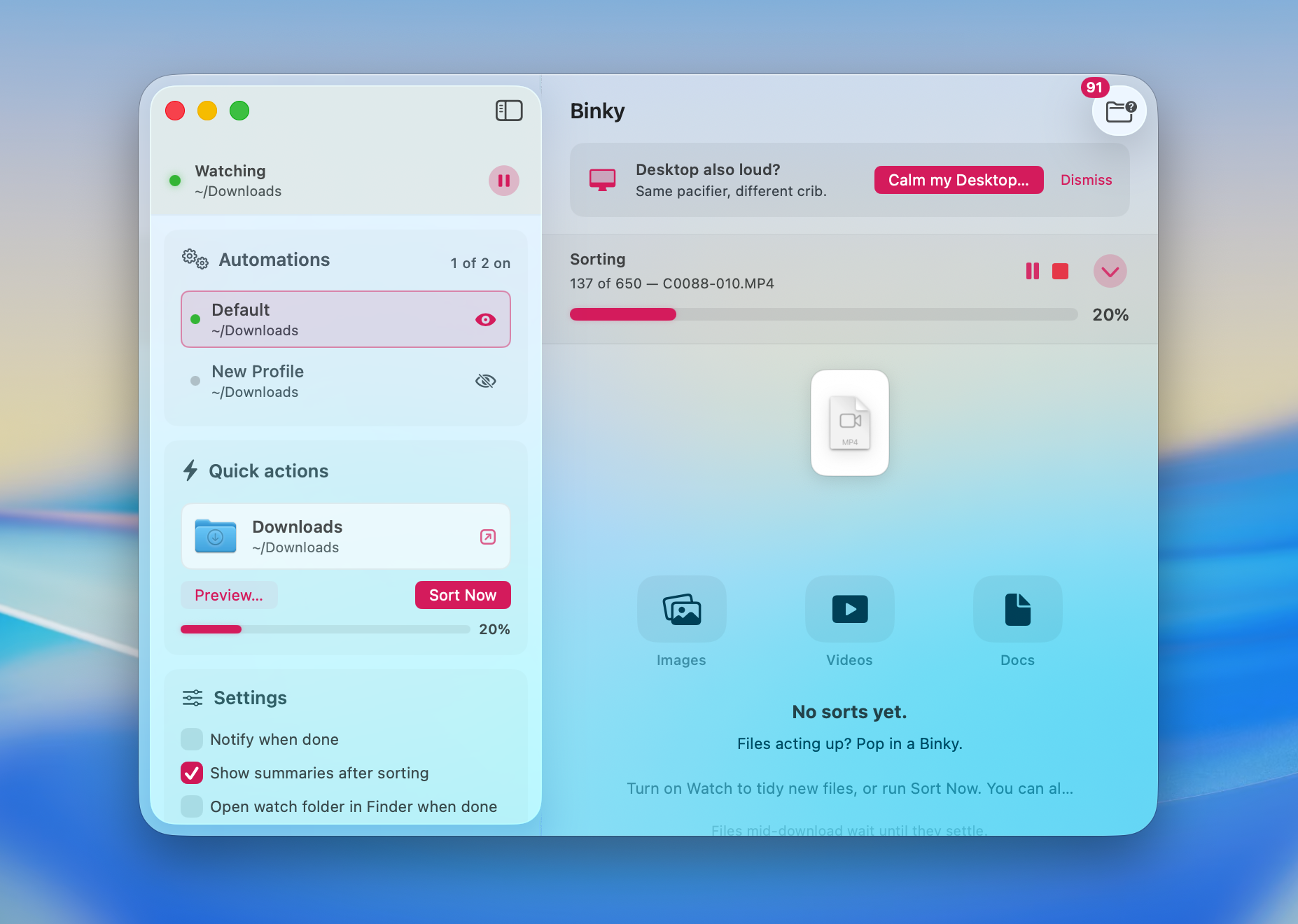
Binky runs named Routines, waits until files stop thrashing, routes into sorted destinations, and parks unknowns in Review.
13 MB · v1.6.0 · Requires macOS 14 Sonoma or later