 Binky
Binky
Binky vs Neatify
Neatify sells calm through the menu bar — projects, bulk tidy, custom rules. Binky sells calm through GitHub — same messy Downloads, different receipt.
Choose Neatify for project-based context switching
When you want Mac App Store distribution, menu-bar presence, and rule sets you tune per workflow — and a one-time purchase is fine.
Choose Binky for Routines at zero cost
When you want named Routines per folder, MIT source, stable-file detection, Review for odd files, and routing that decides before you do.
| Binky | Neatify | |
|---|---|---|
| Price | Free (MIT) | Paid ($31, Mac App Store, one-time) |
| Watch folder | Yes | Yes (menu bar) |
| Named routines | Yes — parallel, each with own source + rules | Projects per context |
| Setup required | Pick a template or start blank | Rules / projects you configure |
| Auto-sort by type | Default sorted folders (Images, PDFs, …) | Custom rules by type / extension |
| Sort preview | Yes — dry-run before anything moves | — |
| Natural-language rules | Yes — phrase → rule + preview | — |
| Stable-file gate | Built in | — |
| Review folder | Yes | — |
| Open source | Yes | No |
| App size | 13 MB | ~2.4 MB |
Both want less mess
Different price tags, same fussy folder
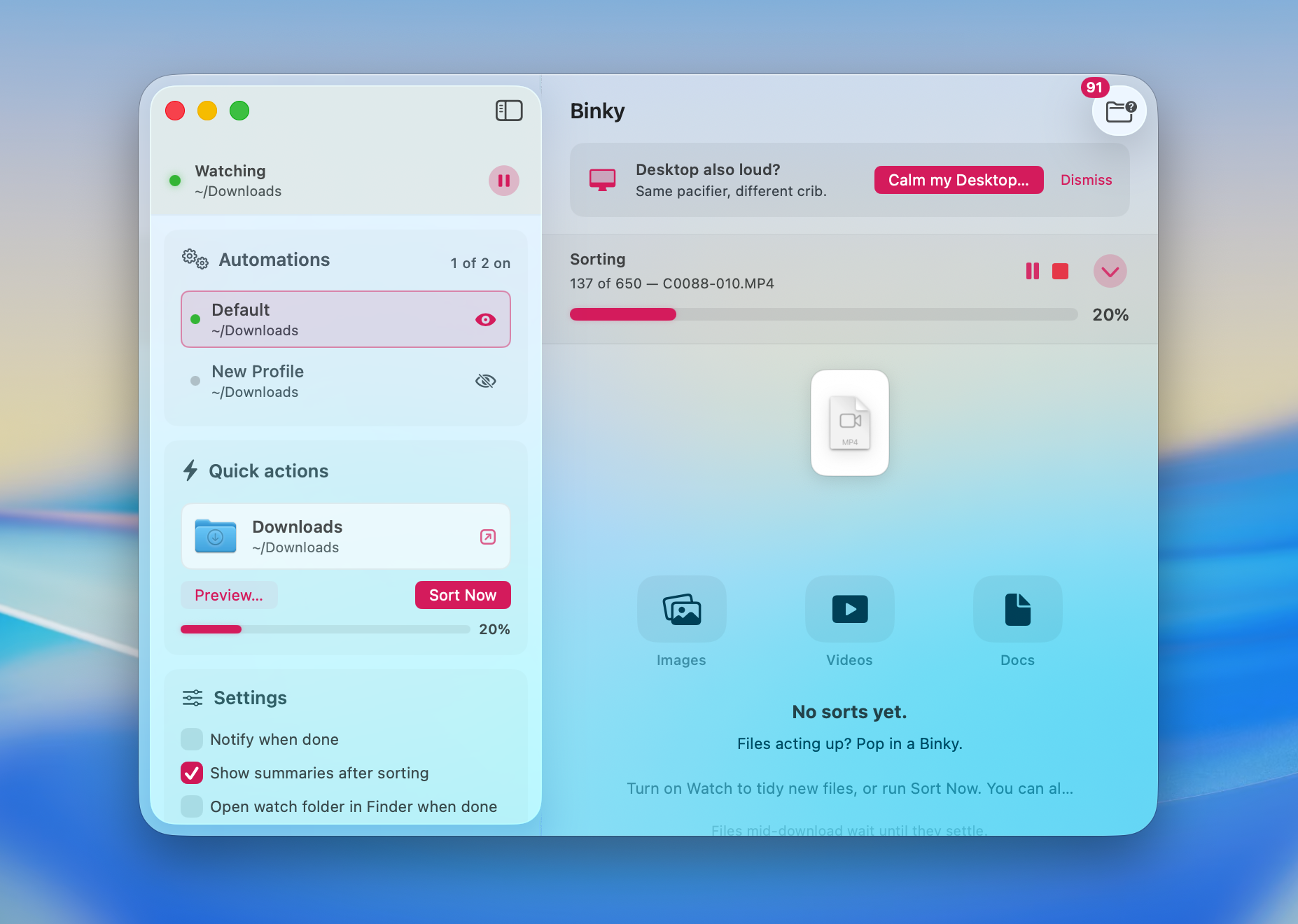
Neatify’s polish lives on the Store. Binky’s lives in named Routines on your disk — run Sort Now or let an Routine handle it as files land.
13 MB · v1.6.0 · Requires macOS 14 Sonoma or later